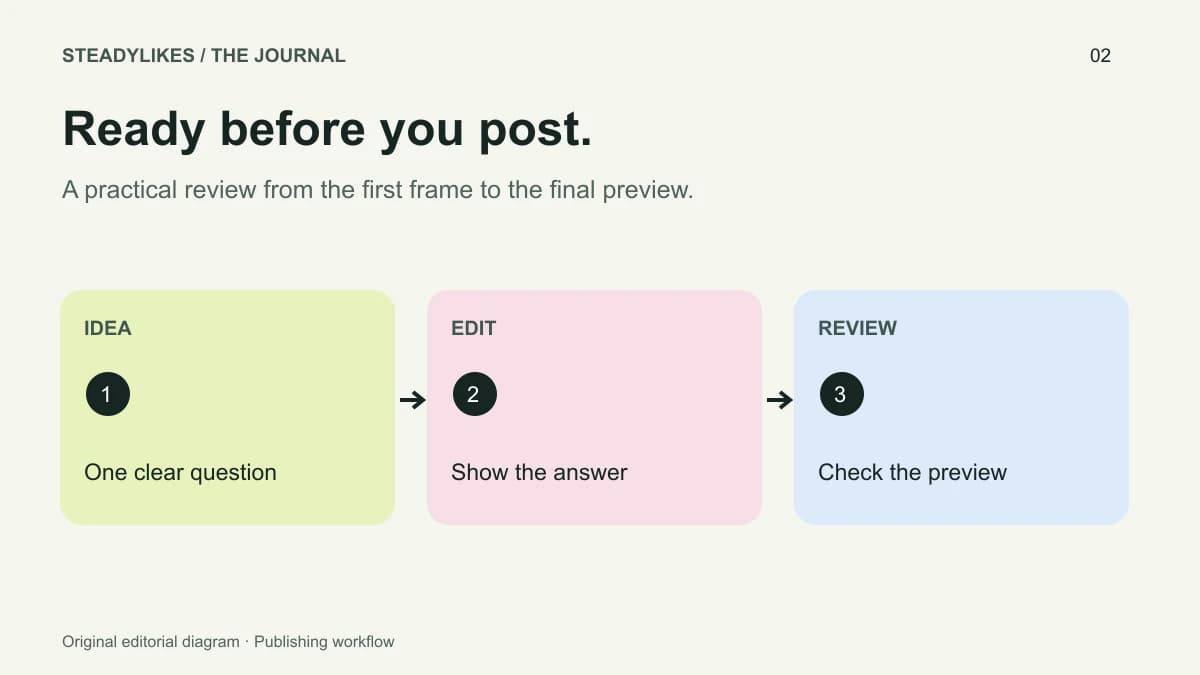
A useful TikTok posting checklist checks the idea, the opening, the explanation, the sound, the text and the final destination before a video goes live. It should help you catch a concrete problem, not force every post into the same length or style. The checklist below is an editorial workflow you can adapt to tutorials, product demonstrations and personal projects.
Use it once on the draft and once on the final preview. That second pass matters: a subtitle adjustment, crop or new cover can introduce an error after you have already reviewed the original edit.
Start with one viewer question
Write the question your video answers in a single sentence. A ceramics example could be, “How do I centre the handle on a handmade mug?” That is more useful for planning than “Make a pottery video.” It identifies both the object and the problem the viewer should understand by the end.
Now check each shot against that question. A studio introduction might be attractive, but if it delays the demonstration without adding useful context, shorten it or save it for a different post. Keep any step that explains the result, including the less glamorous preparation that makes the demonstration understandable.
Your question can also expose a missing ending. If the video promises a comparison, the final edit needs to show the comparison clearly rather than ending on a general shot of the workspace.
Check the first frame and opening line together
The opening image should help a viewer recognise the topic. Show the object, result or situation you are discussing. Then read the first spoken sentence while looking at that frame. Do they communicate the same promise, or does one introduce a different subject?
For the mug example, a close-up of two handle positions and the line “Here is how I check the handle before attaching it” work together. An unrelated studio pan with “You need to see this” makes the viewer wait for basic context. Neither choice guarantees a performance outcome, but the first is easier to understand.
Review the demonstration as a sequence
Watch the draft without relying on what you already know. Can someone identify the starting condition, the action and the finished result? If you jump from an unmarked mug to an attached handle, an important step may be missing. Add the relevant shot or explain the transition.
Avoid assuming that a fast edit is automatically a clear edit. Some movements need to remain visible long enough to understand where the hand, tool or object moves. Other shots can be brief because they only establish context. Let the task determine the pacing.
Run a sound and text pass
Listen through headphones and through the phone speaker. Check whether speech remains understandable when background sound is present. If a word matters to the instruction, make it easy to hear or read. Review generated subtitles for names, measurements and specialised vocabulary.
TikTok provides caption tools, but a tool producing text does not replace your editorial check. Its auto-caption explanation describes transcription and creator editing. Use the controls available in your current app, and preview the corrected version before posting.
Read every text overlay on a small screen. Move anything that covers the action or collides with interface controls. Watch once without audio: the central point should still be identifiable, even if some detail requires listening.
Match the caption and cover to the actual video
The written description should add context or make the topic specific. “Checking handle alignment before attaching a mug handle” is clearer than a list of unrelated popular phrases. If the post includes a question, choose one the viewer can answer from what they have seen.
Treat the cover as a label for the video in a collection. A short description of the task helps someone recognise it later. Avoid promising a result that is not demonstrated, and check that the cover is still legible when reduced to the size it occupies on a profile.
The final pre-post check
- The video answers one identifiable question.
- The first frame and opening sentence describe the same topic.
- The necessary steps and finished result are visible.
- Speech, subtitles and overlays agree.
- Names, quantities and instructions have been checked.
- The caption and cover accurately describe the post.
- The correct account and intended visibility are selected.
- Any music, footage or other material is appropriate for your permitted use.
This is a working checklist, not a set of TikTok ranking requirements. Add checks that matter to your own work, such as removing a customer's private details from a background screen.
Keep a useful record after publishing
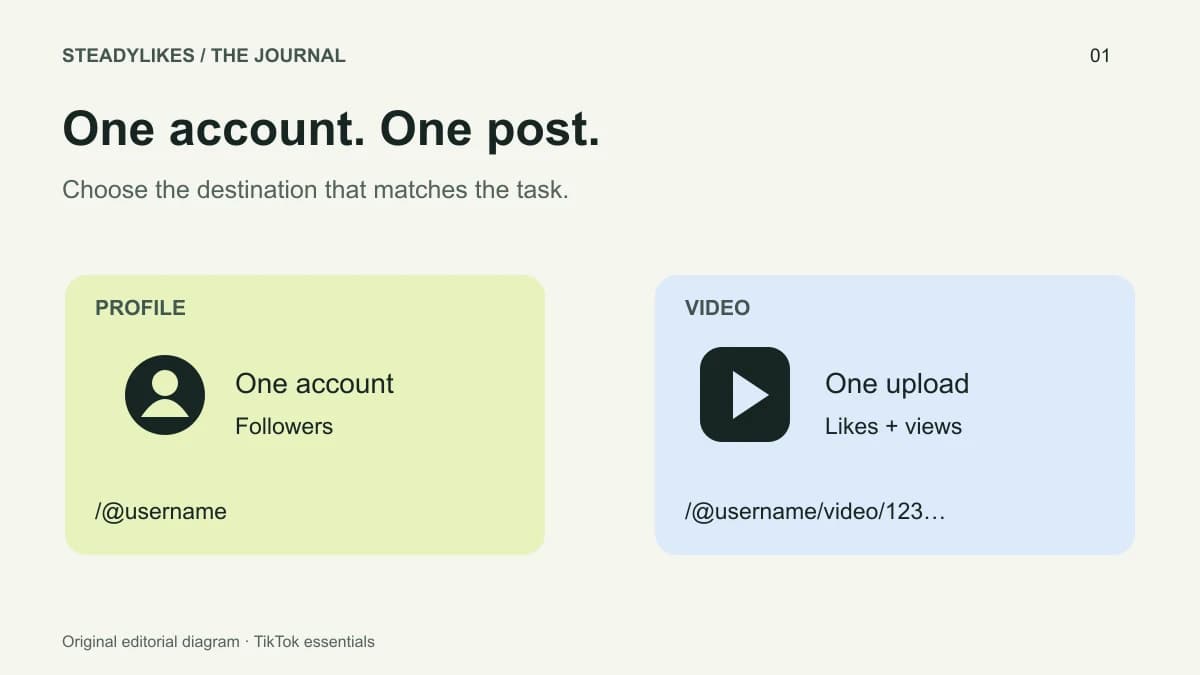
Save the post link with the working title and the question it answered. If you plan a video-specific service, use the finished upload's URL rather than an old draft or similar clip. The profile versus video link guide explains how to check the destination.
For a post-level selection, the TikTok views page shows quantities and prices alongside the video field. Keep any service activity in your notes when you later compare results; that gives your review the right context.
Frequently asked questions
Should every TikTok video follow exactly the same checklist?
The core review can stay consistent, but add or remove checks for the format. A spoken tutorial needs a different sound review from a silent visual demonstration.
Does a shorter video always work better?
There is no universal duration in this checklist. Keep the footage needed to explain the idea and remove material that serves no clear purpose.
What is the most useful last check?
Watch the final preview as someone seeing the topic for the first time. Then confirm that you are publishing from the intended account.