A useful TikTok analytics review compares a clear question, a defined time window and the relevant metrics. Start by recording what you published and what changed around it. Then use the numbers to decide what to investigate next, rather than treating one unusual result as proof of a universal content rule.
This guide provides a repeatable review worksheet for a small creator or business account. It does not supply performance benchmarks or claim that a particular engagement rate unlocks distribution.
Begin with the decision you need to make
Choose one question for the review. You might ask whether a demonstration needs a clearer opening, whether two topics deserve separate series, or whether your production schedule is sustainable. A spreadsheet containing every available number will not answer those questions unless you connect the numbers to the content decisions.
Write the question at the top of the worksheet. Under it, record the posts that are actually relevant. Comparing a studio introduction with a detailed tutorial may be useful for some decisions, but it is a poor starting point for isolating one change to a tutorial's opening.
The likes, views and followers guide explains why post and account metrics should remain distinct. Use that distinction when choosing the rows for your review.
Find the available analytics and preserve the labels
TikTok describes Studio as a set of creation, management and performance-analysis tools in its official Studio introduction. Use the analytics available to your account and retain the labels shown in the interface. Feature availability and screens can differ.
If the interface shows a metric you do not understand, check its definition before adding it to a report. Do not rename a count “reach” or “unique viewers” simply because that term is familiar from another platform. The label and observation period are part of the meaning of the number.
Compare posts at similar ages
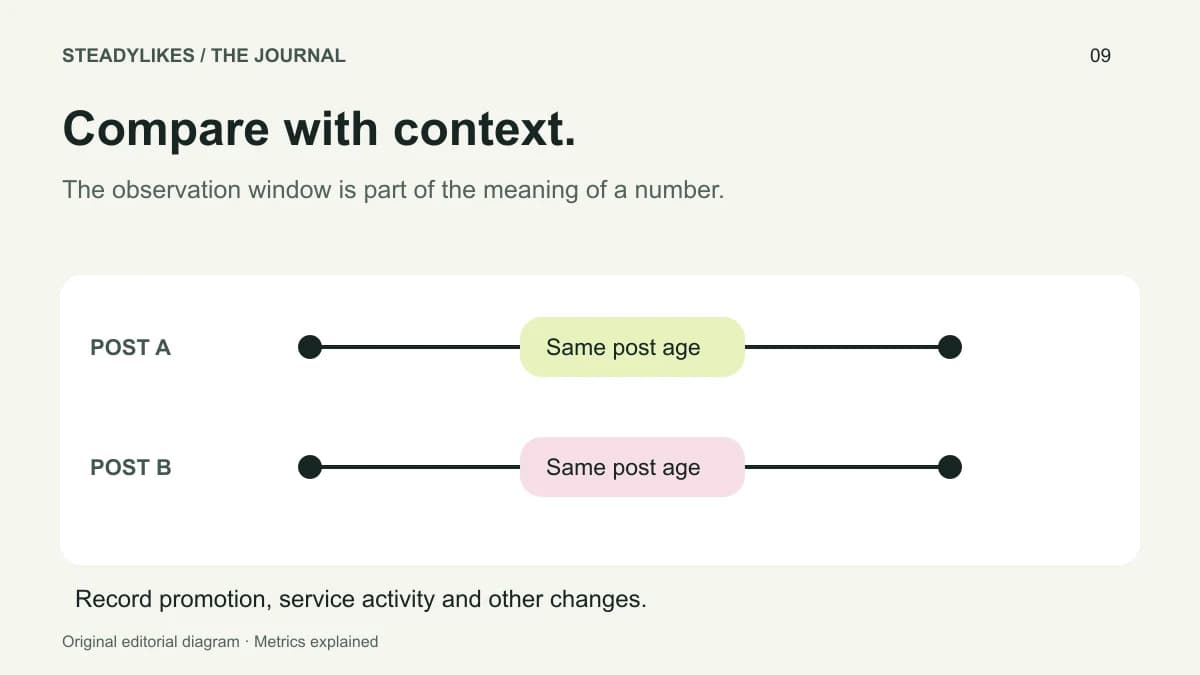
Record both the publication date and the observation date. Choose a review window you can apply consistently, such as a fixed number of days after publication. The exact window is your analytical choice, not a TikTok requirement.
If you cannot obtain matching windows, write that limitation beside the comparison. A two-week-old video and a new upload can still be described, but their totals should not be presented as a controlled comparison. Preserve the older observations instead of replacing them each time you open the analytics.
Use a worksheet that includes the content
| Field | Why it belongs in the review |
|---|---|
| Post URL and working title | Identifies the exact upload |
| Viewer question and format | Explains what the post tried to do |
| Published and observed dates | Defines the measurement window |
| Metrics with original labels | Keeps the numbers interpretable |
| Promotion or service activity | Records other influences |
| Questions and content notes | Connects figures to an editorial decision |
| Next change | Turns the review into a bounded action |
An observation might read, “The tool-cleaning post generated questions about which brush was used.” A possible next change is to identify the brush in the opening shot. That is more actionable than “The content needs better engagement,” because it names something you can edit and review.
Separate a pattern from a one-post surprise
One unusually high or low result can be worth examining, but it does not establish a dependable pattern. Look across several relevant posts and ask whether the explanation holds when the topic or format changes. Keep the sample description honest; a small account's review is still useful without pretending to be a broad study.
For a hypothetical comparison, imagine two demonstrations with different openings and different subjects. If the second receives more views, you cannot isolate the opening as the cause. The subject, timing, audience and other conditions changed too. Record the opening as one possible factor, then design the next content experiment more carefully.
Account for service and promotional activity
If you use TikTok views packages or another post service, record the destination, quantity and timing separately from your content edits. Keep paid promotion, collaborations and external sharing in the same context notes. The purpose is to understand the observation, not to hide or overstate any part of it.
Do not interpret every visible change as evidence of organic distribution or a specific creative improvement. A transparent worksheet makes the difference between descriptive reporting and a claim about cause clear.
Turn the review into one useful next step
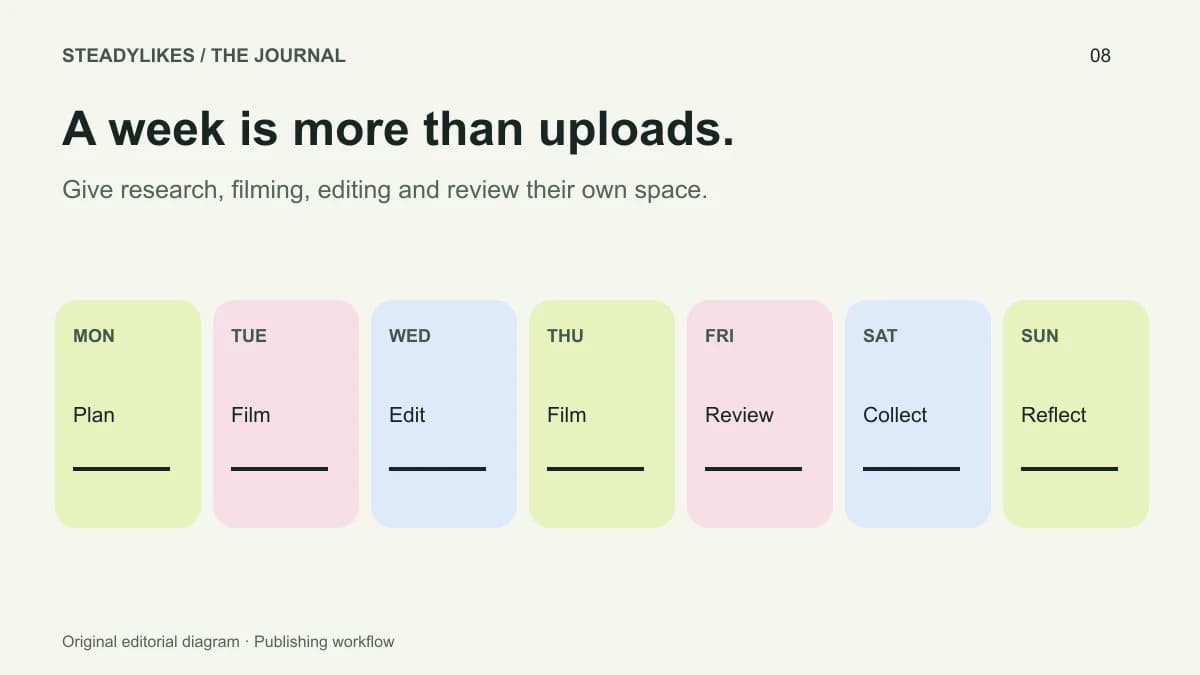
Choose a small change you can describe before filming: show the result in the first frame, label the tool, remove a confusing transition or answer a repeated question. Use the weekly planning guide to assign that change to a real brief and production slot.
Keep the previous version's notes. The purpose of a review is to build a record of decisions and observations, not to rewrite the history every time the account's direction changes.
Frequently asked questions
What is a good engagement rate?
There is no benchmark in this guide. A rate depends on its numerator, denominator, time window and context. State the calculation before interpreting it.
Can I prove a caption caused more views?
A simple before-and-after comparison usually cannot isolate that cause. Treat it as an observation and record other differences between the posts.
How many metrics should I track?
Track the ones needed for the question you are reviewing, plus enough context to interpret them. A smaller, consistently maintained worksheet is more useful than a large unexplained export.