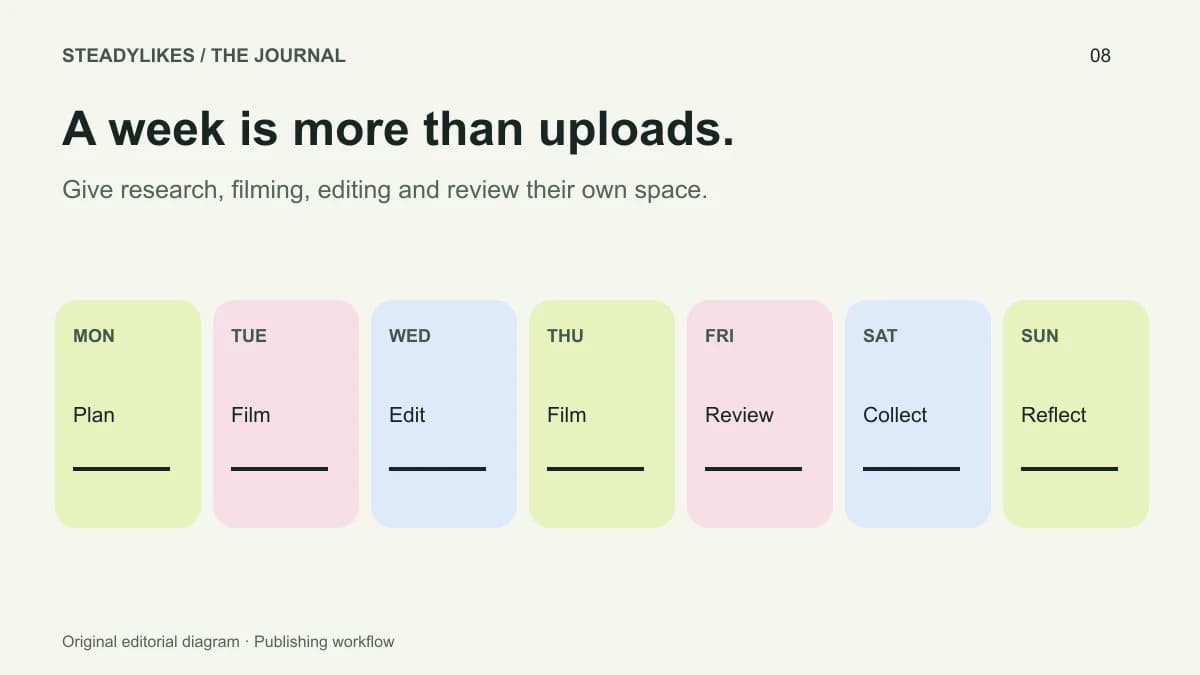
A workable week of TikTok content begins with one useful theme and several distinct questions. Plan the questions, required footage and publishing capacity together. You do not need seven uploads simply because the plan covers seven days; a week can include research, filming, editing and review as well as posting.
The example below uses a fictional ceramics studio preparing a mug-making theme. It is an original planning exercise, not a client case study or evidence that a particular posting frequency produces a result.
Choose a theme with more than one useful angle
“Mugs” is broad enough to contain different tasks but narrow enough to connect a week's work. Within it, the studio might explain handle alignment, compare two surface finishes and show the final care instructions. Each video answers a different question while remaining part of the same project.
Avoid splitting one thin explanation into several posts just to fill a calendar. If two proposed videos answer exactly the same question with the same footage, combine them or find a more meaningful distinction. A useful theme should generate different explanations, not repeated introductions.
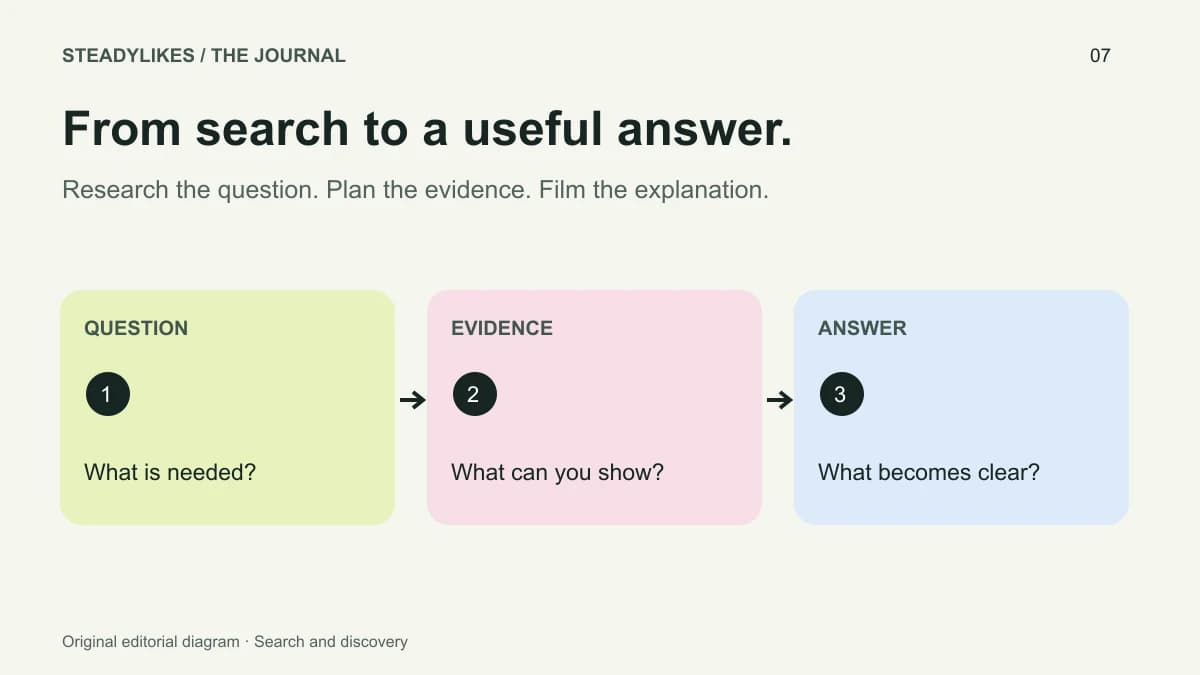
The TikTok search planning guide offers a way to turn a broad topic into bounded viewer questions. Start there if your notes are mostly labels such as “behind the scenes” or “tips” without a clear subject.
Separate content decisions from production tasks
For each question, write down the shots needed to answer it. Handle alignment may require a close-up of attachment marks, a side view and a finished comparison. Surface finishes may need consistent lighting and two completed samples. Care instructions may need only the object and a clear spoken explanation.
This reveals which videos can be filmed together and which depend on material you do not yet have. Planning footage around real availability prevents the calendar from filling with promises the studio cannot fulfil that week.
Keep a separate line for editing, captions, covers and review. Filming a video is not the same as having a checked version ready to publish.
An illustrative weekly schedule
| Day | Main task | Output |
|---|---|---|
| Monday | Choose three questions and prepare shot lists | Three short briefs |
| Tuesday | Film shared studio footage and the first demonstration | Organised source clips |
| Wednesday | Edit and review the first post | One publication-ready video |
| Thursday | Film the comparison under consistent lighting | Comparison footage |
| Friday | Edit the comparison and review captions | Second publication-ready video |
| Saturday | Gather questions and organise the care explanation | Notes for the next edit |
| Sunday | Review capacity and observations | Next week's priorities |
This is a suggested workflow, not a rule that those days or two finished posts are ideal for every account. Move tasks to match your work schedule. If one demonstration takes longer, reduce the planned output rather than skipping the review that makes it understandable.
Give every video its own brief
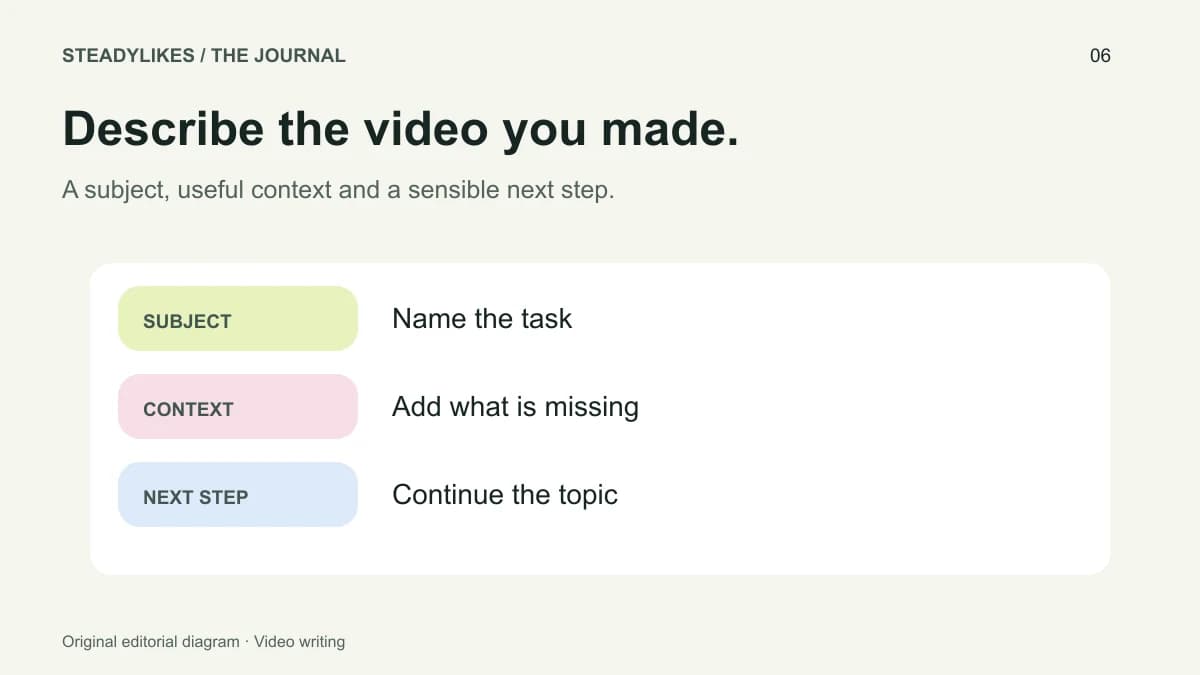
Use five fields: the viewer question, the opening image, the essential steps, the finished evidence and the next useful question. These fields make it easier to recognise whether a post is complete.
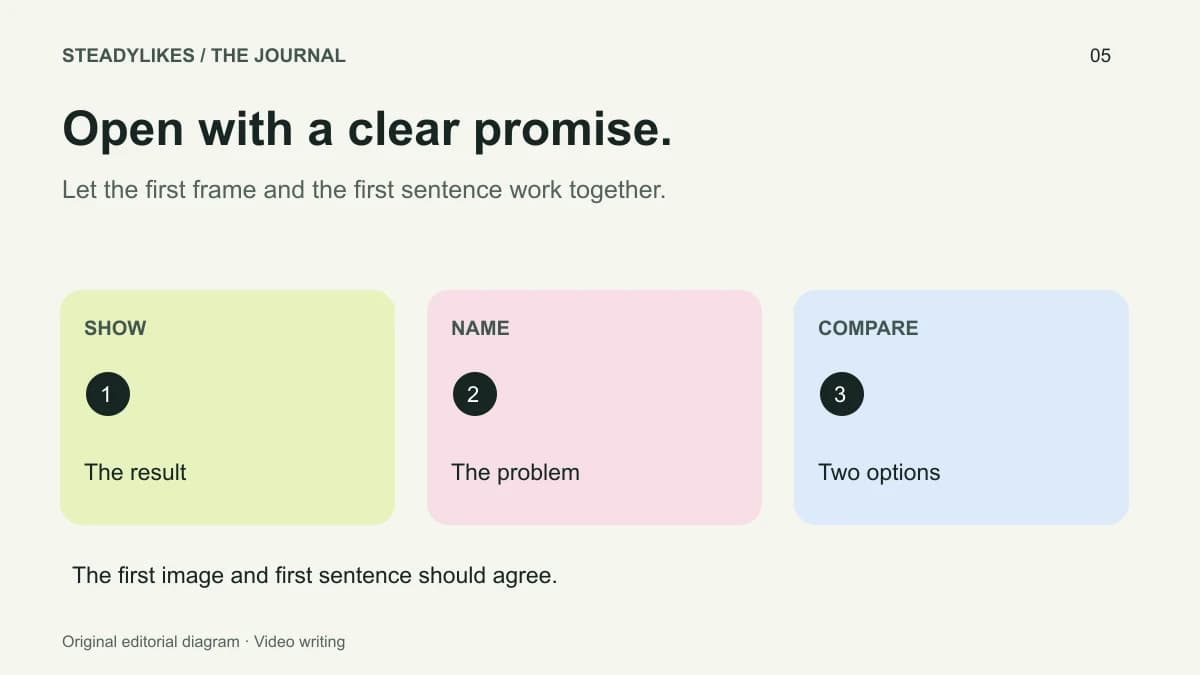
For the handle video, the opening might show two positions. The essential steps explain the marks. The finished evidence is a view of the aligned handle. The next useful question might concern attachment technique, which can become a future video if you can demonstrate it responsibly.
Use the hook examples to write a specific opening and the posting checklist to inspect the finished edit. Reusing a review process is useful; reusing an identical explanation for every post is not.
Batch what is actually shared
A stable camera position or prepared workspace can make it practical to record several related shots in one session. Group those tasks, but label the files by the question they belong to. A folder full of similarly named clips can erase the time you saved during filming.
Do not assume every video needs to be filmed in one sitting. A demonstration may depend on a material drying or a project reaching its next stage. Keep the production plan honest about those constraints instead of forcing the process into a visually tidy calendar.
Maintain a small reserve of completed posts if that suits your workflow, but record which version was reviewed. A reserve containing unfinished captions and unchecked footage is not a publication-ready library.
Keep account and post plans separate
The theme belongs to the account's overall promise, while each video has its own destination and purpose. Review the profile bio if the week's content introduces a new focus that visitors would otherwise struggle to understand.
For an account-level service selection, compare TikTok follower packages using the profile link. Keep any post-specific service activity attached to the individual video in your planning notes. This prevents account and post decisions from becoming one ambiguous campaign row.
Review the week before adding more volume
At the end of the week, ask what slowed production, which explanation needed clarification and what genuine question deserves a follow-up. A useful review can lead to fewer, more complete posts or a different filming arrangement. It does not always require increasing the schedule.
Frequently asked questions
Must I post every day?
No. This plan covers the work involved in a week, not a compulsory upload count. Choose a pace you can prepare and review consistently.
Should every post have the same format?
No. A comparison, a demonstration and a concise answer can support the same theme while serving different questions.
What should I do if a planned video is not ready?
Move it to a realistic date and preserve the necessary review. A calendar is a planning tool, not a reason to publish an incomplete explanation.