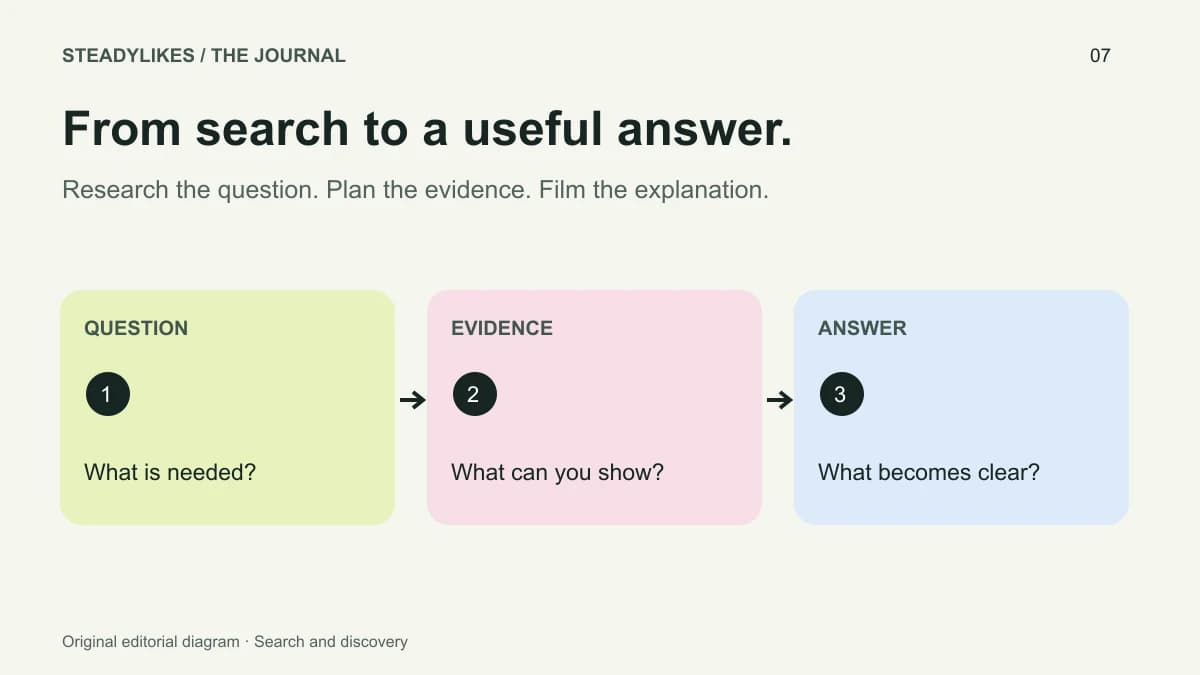
TikTok search planning begins with a question someone wants answered and a video that actually answers it. Use search observations to choose a useful subject, then make the footage, spoken explanation and written description agree. A collection of popular phrases cannot compensate for an unclear answer.
Creator Search Insights can be one input where the tool is available. Your own audience questions and the topics you can demonstrate are equally important inputs to an editorial plan. The process below turns those inputs into a specific video brief without promising a search position.
Understand what search research can tell you
TikTok describes Creator Search Insights as a way to explore searched topics, including a content-gap filter, with availability in selected regions. Its official introduction is a useful starting point. Check the tool and controls available in your own account rather than assuming every screen or filter is identical.
A topic appearing in a research tool is a prompt for investigation. It does not prove that your account is the right source, that a particular format will work, or that publishing one video will secure a position. You still need to decide whether you can provide a relevant, accurate explanation.
Turn a broad topic into a bounded question
Start with the broad subject and identify the actual decision. “Watercolour” is a topic; “How do I label paper tests so I can compare them later?” is a question with a visible answer. The second gives you an object to film, a sequence to explain and a result to show.
Write down what would count as a complete answer. For the paper-test example, the viewer should see where the paper name, paint mixture and observation notes go. A video that merely shows attractive swatches would not fulfil that brief, even if the caption includes the question.
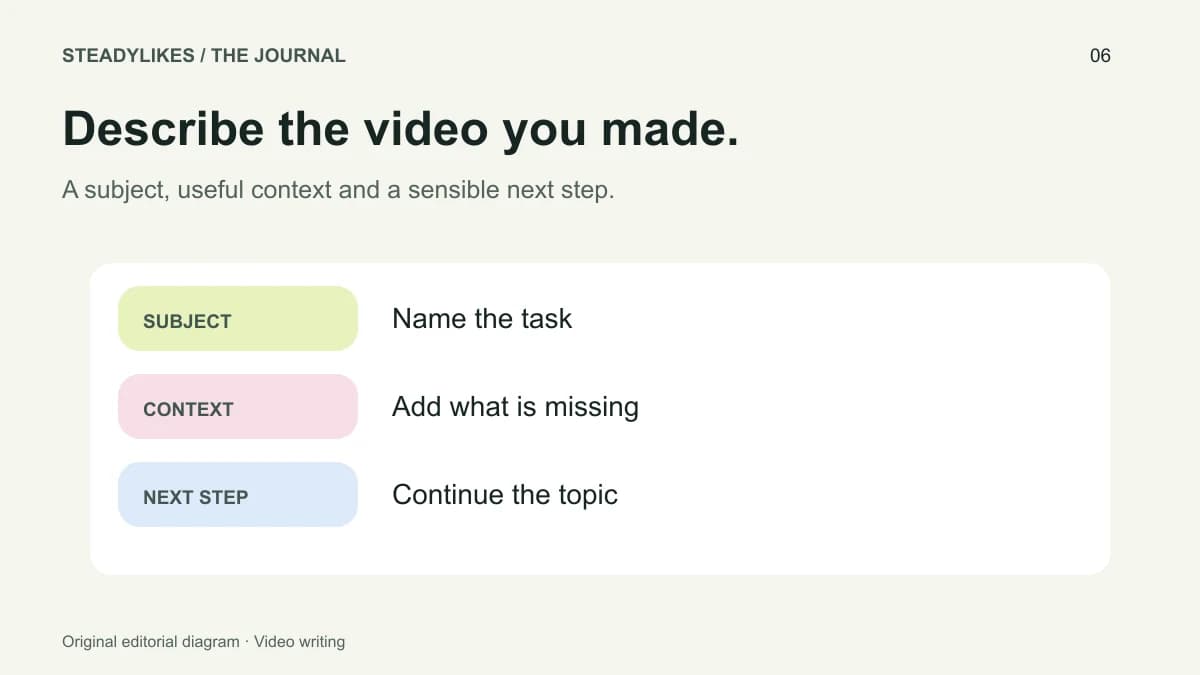
The caption writing guide can help you describe this narrower topic naturally. Use the same language to orient the viewer, not as a phrase to repeat in every sentence.
Check the results for missing explanations
When you inspect existing posts on a topic, take notes about the questions they answer and the questions they leave open. Avoid copying a creator's structure, example or wording. Look instead for a useful distinction you can demonstrate from your own work.
For instance, several posts may show a finished materials chart while few explain how to keep the labels readable. If you have a genuine method for that problem, you can film the labelling process. Your contribution is the clear explanation and original demonstration, not the act of finding an underrepresented phrase.
Treat comments as clues rather than a representative survey. A few questions may reveal confusion, but they do not establish how every viewer feels. Record the question in your own words and check that the planned answer is accurate.
Build a short search-focused brief
| Brief field | Illustrative entry |
|---|---|
| Viewer question | How can I label watercolour paper tests clearly? |
| Visible starting point | Three unlabelled swatches |
| Explanation | What information goes beside each swatch |
| Finished evidence | A readable labelled comparison sheet |
| Caption subject | Labelling watercolour paper tests |
| Follow-up | Comparing the same paint on different papers |
This brief deliberately leaves out a promised view count or ranking target. Those are outcomes you cannot write into existence. It focuses on the content decisions you can control and inspect before publishing.
Align the parts without repeating yourself
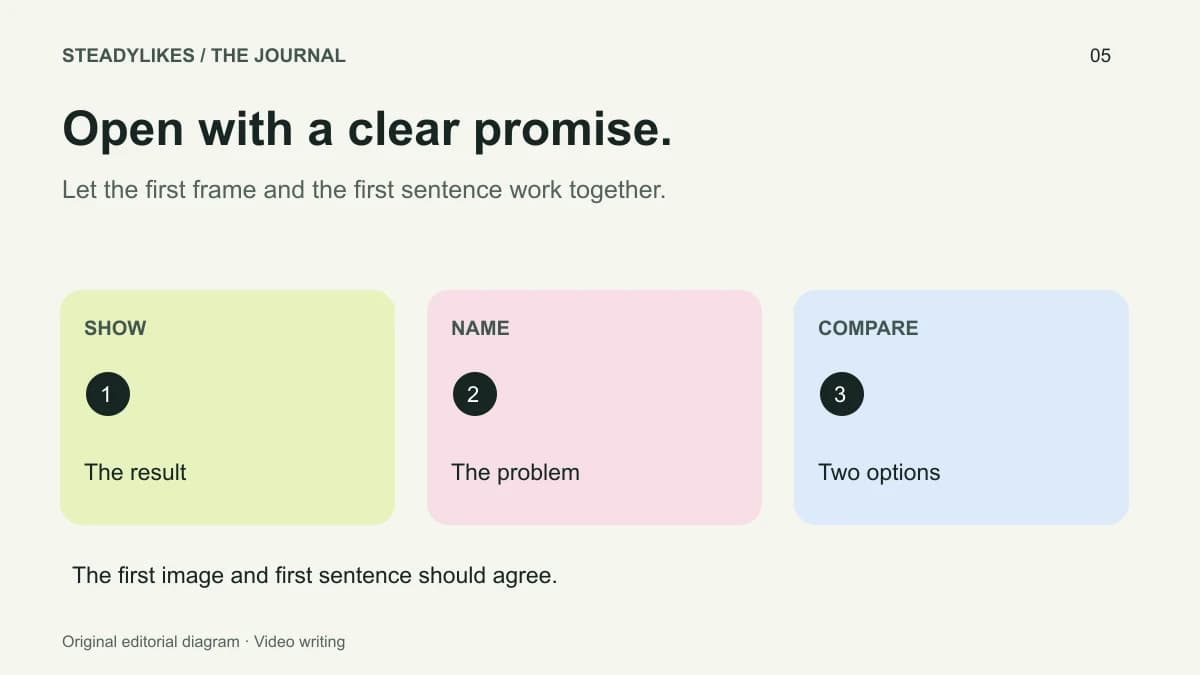
The first frame can show the unlabelled sheet. The opening sentence can name the problem. The body of the video can explain the labels, while the written caption adds the context in which you use them. Each element contributes something instead of repeating the full question verbatim.
A readable cover can make the video easier to recognise later. Choose a concise label that reflects the finished post. If you change the subject during editing, update the cover and description too; a research brief should not trap the final video into inaccurate wording.
Use the pre-post checklist for the final review. Search planning is one part of the workflow, not a replacement for checking sound, text, account identity and the completeness of the demonstration.
Review the result with the right limits
After publishing, record the post link, question, date and the search-related information your analytics actually exposes. Do not infer a search position from total views. Different surfaces and activity can contribute to the visible figures.
If a post also receives paid promotion or a TikTok views selection, record that separately. The metrics guide explains why descriptive counts and causal conclusions are different things.
Frequently asked questions
What if Creator Search Insights is unavailable?
Use ordinary search observations, recurring audience questions and the topics you can demonstrate accurately. The editorial process does not depend on one account feature.
Should I target every trending topic?
No. Choose subjects that fit your actual knowledge, footage and audience. A trend unrelated to your work can make the account less coherent.
Does using the exact search phrase guarantee a result?
No. Natural, specific wording can describe the subject, but it does not establish a ranking promise. Focus on whether the viewer receives the answer the video presents.